
Download Terminal Emulator – Free, Customizable Linux Command Line Tool for Android
Overview
The Terminal Emulator for Android is a lightweight, free application designed to provide access to the Linux command line interface directly from Android devices. Developed by Jack Palevich, this tool enables users to execute Linux commands, manage files, and perform system-level operations through a terminal environment. It is particularly useful for developers, system administrators, and advanced users who require command-line functionality on mobile platforms.
The app serves as a bridge between Android’s user-friendly interface and the underlying Linux-based system, allowing users to leverage powerful command-line utilities. While it does not include pre-installed tools, it provides a clean interface for running shell commands, making it suitable for tasks such as file manipulation, network diagnostics, and script execution. The application is intended for users familiar with Linux commands and comfortable navigating a text-based interface.
Real-world use cases include remote server management via SSH, automating repetitive tasks through shell scripts, and debugging system behavior. Since it operates within the Android environment, it is ideal for mobile developers testing command-line workflows or users who prefer terminal-based workflows while on the go. The developer did not provide additional system requirements beyond compatibility with Android devices running on the Linux operating system.
Key Features & Capabilities
- Full Linux Command Line Access – Users can execute any standard Linux shell command, enabling file navigation, system monitoring, and process control.
- High Customization Options – The interface supports customizable fonts, colors, and key bindings to suit individual preferences.
- Command History and Recall – Previously entered commands can be stored and reused, improving workflow efficiency.
- Text Transfer Functionality – Users can send text output to other devices or servers, facilitating data sharing across platforms.
- Lightweight Design – The app is optimized for minimal resource usage, ensuring smooth performance on a variety of Android devices.
These features empower users to perform complex operations without relying on desktop environments. For example, a developer can use the terminal to clone a Git repository, run a build script, or check system logs directly from a mobile device. Advanced users can also integrate the app with external tools like SSH clients to manage remote servers. The ability to store and recall commands reduces repetition and increases productivity. While the developer did not specify performance details, the app’s lightweight nature suggests efficient CPU and memory usage.
User Interface, Workflow & Performance
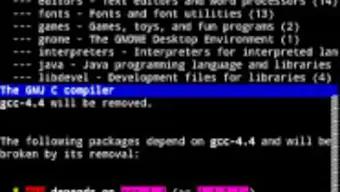
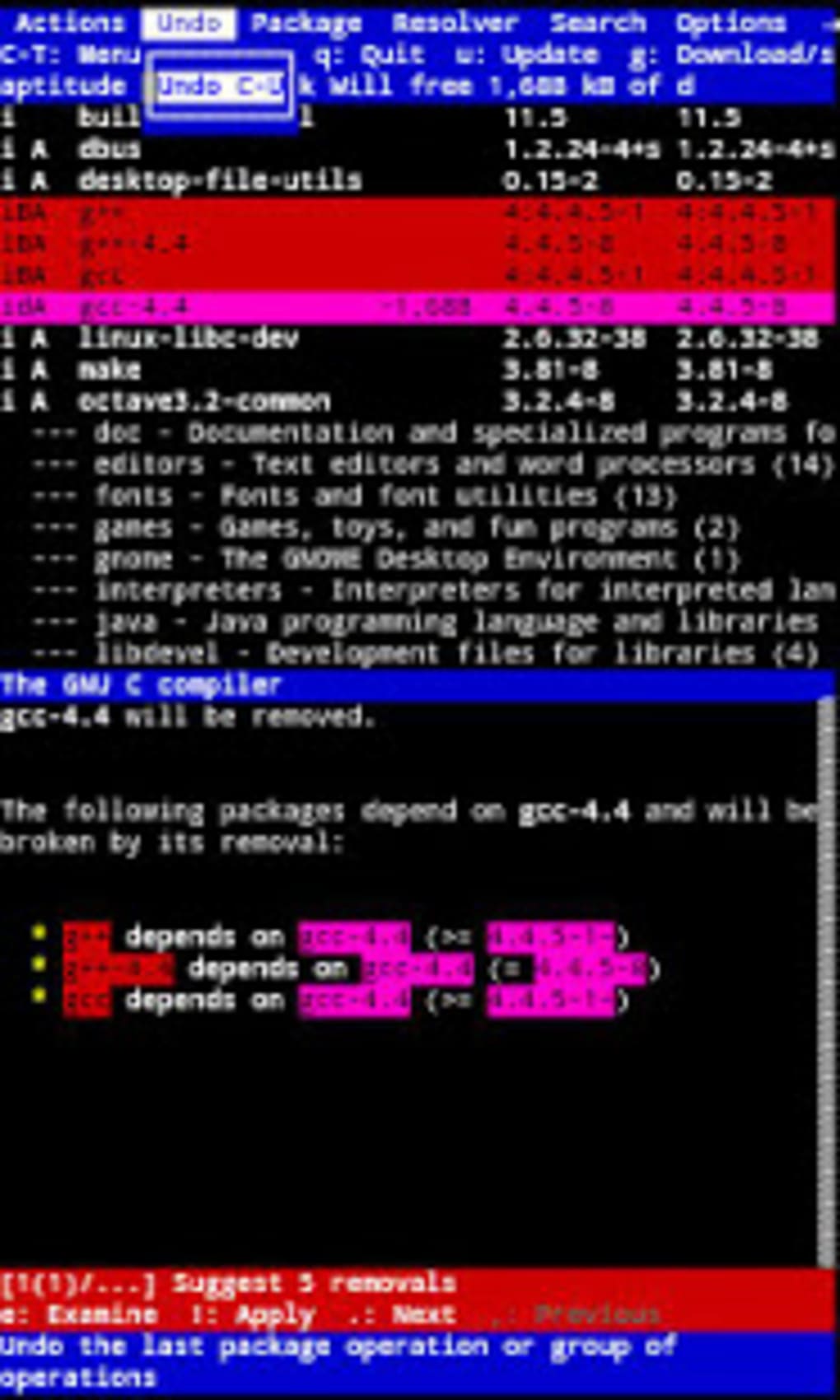
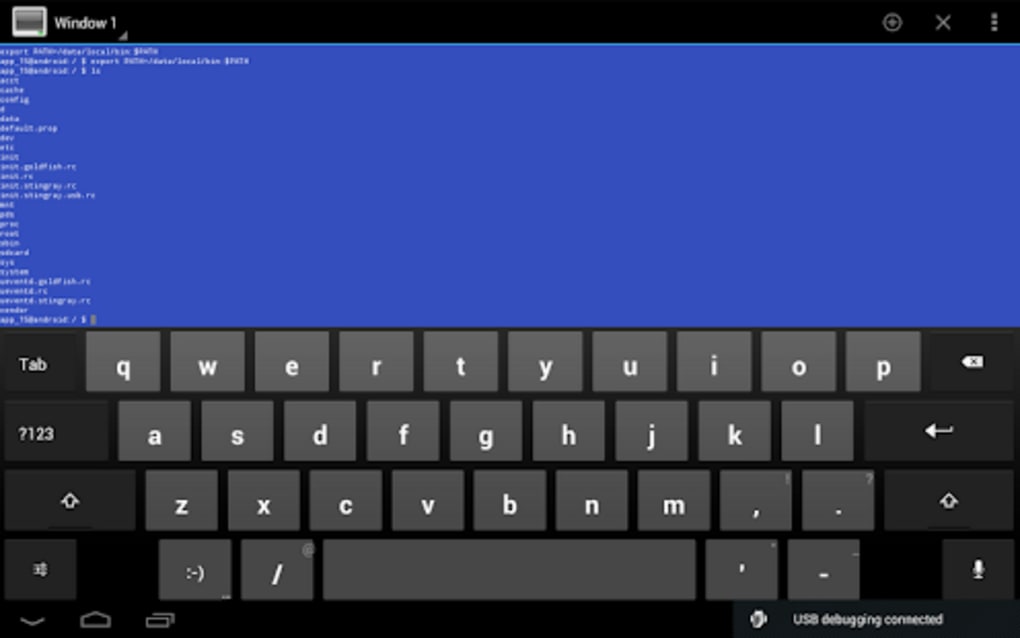
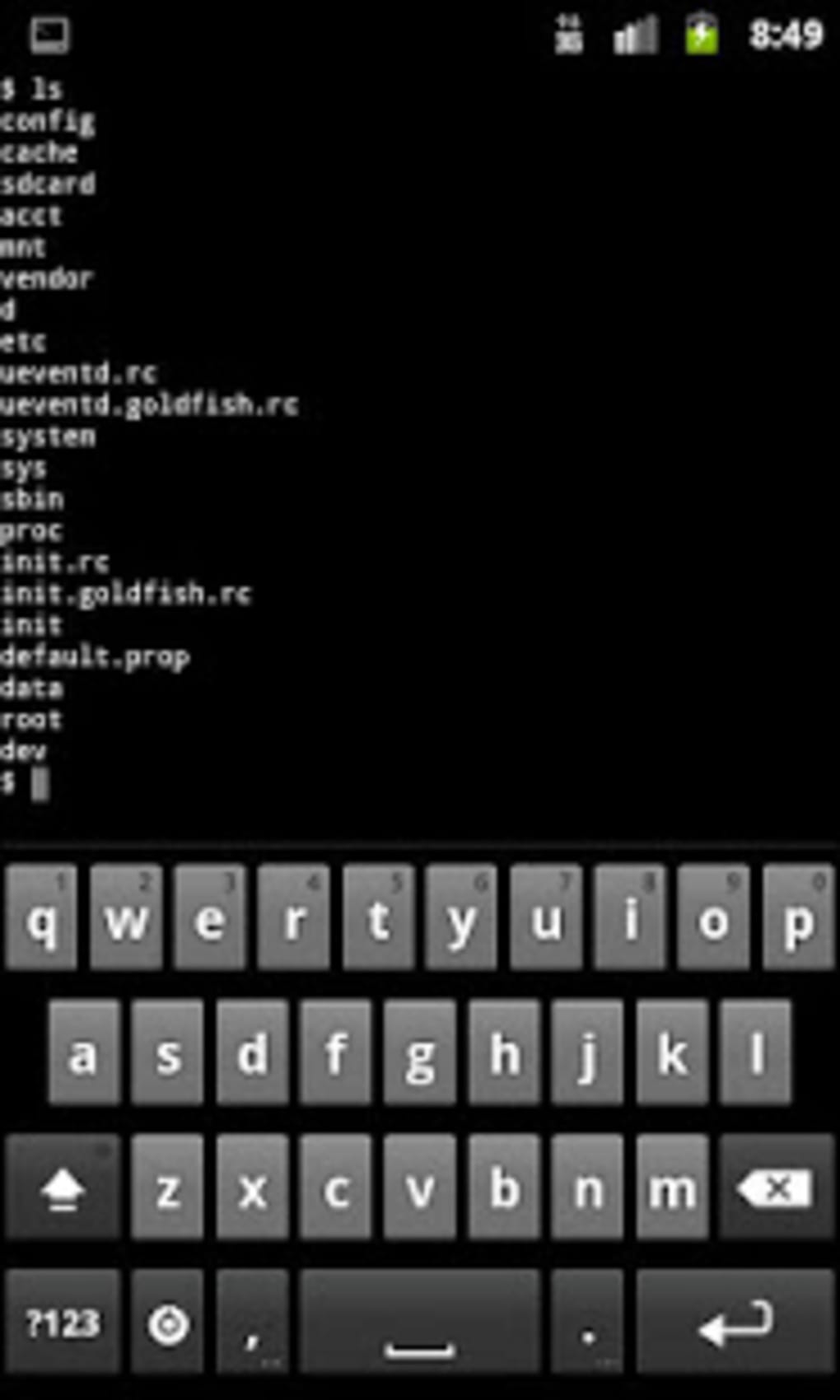
The user interface of Terminal Emulator is minimalistic and focused on functionality, presenting a clean command-line window with no unnecessary visual elements. Navigation is handled through standard keyboard input, with support for text selection, copy, and paste operations. The workflow is straightforward: users launch the app, enter commands, and receive immediate feedback in the terminal window.
For users accustomed to terminal environments, the interface is intuitive and efficient. However, beginners may require some time to adapt to command-line syntax and navigation. The app does not include built-in tutorials or guided workflows, so users must rely on prior knowledge or external documentation.
Performance observations are based on general software behavior patterns. The developer did not specify resource usage details. However, the app is described as lightweight, suggesting it operates efficiently with minimal impact on battery life or system responsiveness. Stability is expected to be consistent, as the application runs within the Android Linux kernel. No issues related to crashes or freezes were reported in the provided information.
Compatibility & System Requirements
The Terminal Emulator for Android is designed to run on Android devices operating on the Linux-based system. This includes most modern Android smartphones and tablets that support the underlying Linux kernel. The application is available through the Google Play Store and does not require root access for basic functionality.
Installation size is not specified in the provided information. The developer did not list exact system requirements, including minimum RAM, CPU, or storage capacity. Compatibility information was partially provided, indicating that the app is intended for Android devices with Linux-based operating systems. Users should ensure their device meets general Android compatibility standards for app installation.
For devices that do not natively support Linux command-line execution, the app may not function as intended. Users should verify their device’s system architecture and OS version before installation. The developer did not provide information about support for older Android versions or alternative platforms.
Pros and Cons
Pros
- Free to download and use with no hidden costs
- Lightweight and efficient resource usage
- Full access to Linux command-line tools and utilities
- Highly customizable interface for personal preference
- Supports command history and text transfer across devices
Cons
- No built-in help or tutorial for new users
- Requires prior knowledge of Linux commands
- Performance and system requirements not clearly defined
- Not compatible with non-Linux Android devices
- Dependent on external software for advanced functionality
FAQ Section
Is Terminal Emulator compatible with all Android devices?
The app is designed for Android devices running on the Linux operating system. Compatibility may vary depending on the device’s system configuration and Android version.
Is the app secure to use?
As a free application from the Google Play Store, it is distributed through a verified platform. However, users should exercise caution when executing commands that affect system files or network connections.
Does the app require root access?
Basic functionality does not require root access. However, certain advanced operations may need elevated permissions depending on the device and intended command.
How often are updates released?
Update frequency is not specified in the provided information. Users should check the Google Play Store for the latest version.
Can I use this app offline?
Yes, the Terminal Emulator operates entirely offline once installed. No internet connection is required to run commands or access the command line.
Final Thoughts
The Terminal Emulator for Android is a reliable, no-frills tool for users who need command-line access on mobile devices. Its lightweight design, customization options, and direct Linux integration make it a valuable asset for developers and power users. While it lacks beginner-friendly features, its focus on functionality and efficiency is evident.
For advanced users seeking a portable terminal environment, this app delivers on its promise. It is especially useful for remote management, script execution, and system diagnostics. Despite limited documentation and undefined system requirements, the app remains a solid choice for mobile Linux command-line workflows.
Download Terminal Emulator now to access powerful command-line tools on your Android device.





.png)

